Co-design with the people who actually need it: our workshop with screen reader users
We build doclarity for the people who read documents with a screen reader. So we sat down with them: a co-design workshop with Berufliche Assistenz, what we learned, and what we are changing.
doclarity makes documents accessible. Companies, ministries and public bodies use it to meet their obligations. But the people who decide whether a document is really accessible are the ones who read it with a screen reader every day.
So we invited them to work with us. Together with Berufliche Assistenz, which supports blind and visually impaired people in training and at work, we held a co-design workshop with screen reader professionals.
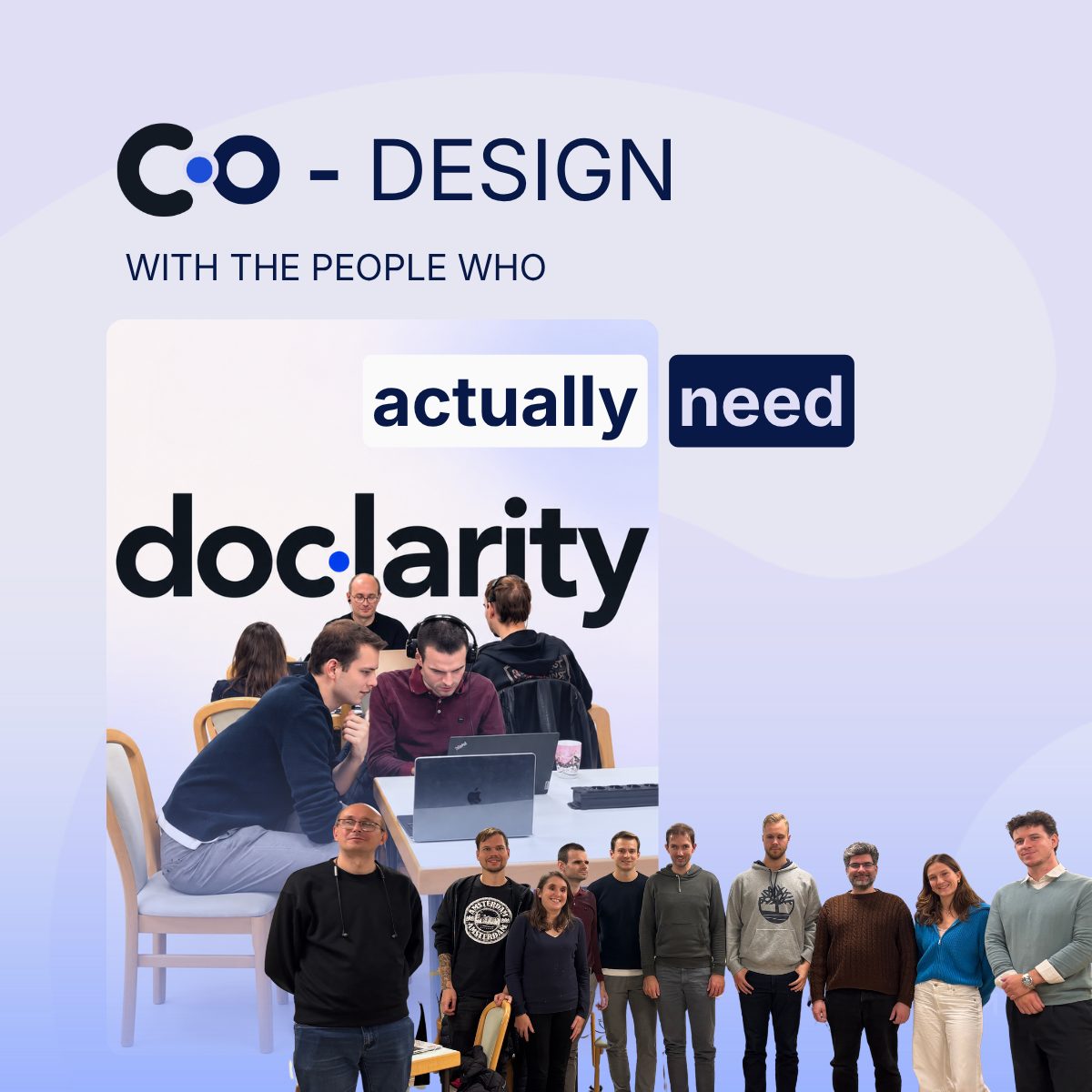
Who was at the table
The participants use a screen reader at work and in daily life: in therapeutic professions, at university, in social work, in public administration and in digital accessibility consulting. Some of them have been working with documents this way for decades. Nobody knows better where a PDF fails.
Our goal for the afternoon was simple to state: documents that reach you should be accessible. We wanted to understand how that looks from their side.
How we worked
- Everyday experience first. Everyone told us about their biggest hurdles with documents, before anyone opened our tool.
- Hands-on testing. Each participant created their own account, uploaded their own documents and worked through doclarity with their screen reader, from upload to the finished, tagged PDF.
- Show and tell. Then everyone showed the group how they use the tool, where they got stuck and what they would change.
- Wishes. We closed with an open round: what would make the biggest difference?
What we heard
Word is the favourite format. Asked about their preferred format, the group answered almost unanimously: Word. A Word document is predictable. A PDF is a gamble: sometimes structured, often not. Many avoid PDFs where they can.
Screen readers have two modes, and both matter. In browse mode, single keys jump through a document: to the next heading, the next graphic, the next table. In forms mode, other shortcuts apply. A PDF that is properly tagged makes the first mode work. Without tags, there is nothing to jump to.
JAWS dominates. In our group, about four in five work with JAWS, the rest with NVDA. We test with both, and the workshop showed us how important that is.
Feedback has to be audible. A sighted user sees when processing is finished. A screen reader user only knows if the screen reader says so.
What we are changing
The most valuable part of the afternoon was seeing where doclarity itself still has barriers. Our main takeaways:
- Announce when a document is finished, and move the focus to it, so nobody has to search for the result.
- Make every switch operable with every screen reader. Some controls worked with one screen reader and browser but not another. That has to work everywhere.
- Make the simple mode easy to find. For many users, upload, wait, download is all they need. That path should be the first one they meet.
- Make keyboard shortcuts discoverable, and close to what people know from Word or Google Docs.
None of this would have come out of an automated check. It took people who use a screen reader every day, working with the real tool.
Thank you
A big thank you to Berufliche Assistenz and to everyone who spent the afternoon with us, for their time, their patience and their honesty. We will come back with the changes, and we will keep designing doclarity with the people who actually need it.
Want to see what doclarity does with your documents? Get started at doclarity.eu.